Essential Networking Ports for Cloud, Containers, and DevOps
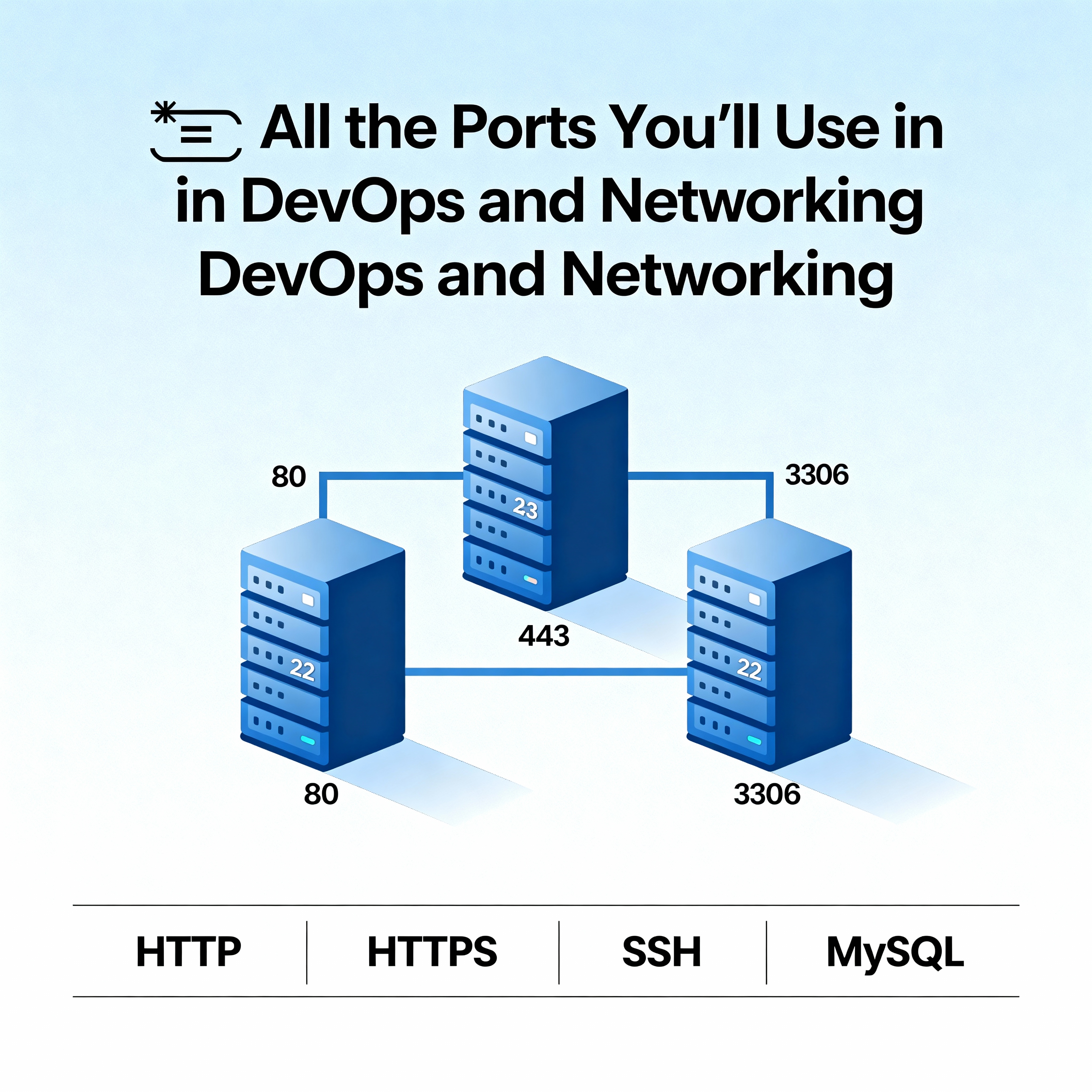
🔌 All the Ports You’ll Use in DevOps and Networking
If you’ve spent any time in DevOps or networking, you know that ports are everywhere. They’re like the “door numbers” on a big apartment building — every service has its own door, and traffic needs to know which one to knock on.
Whether you’re setting up Docker containers, configuring Kubernetes, or just troubleshooting why something won’t connect, ports are part of the daily grind. Let’s walk through the ones you’ll see the most.
🌟 Why Ports Matter
- They tell traffic which service to reach on a machine.
- Firewalls, load balancers, and cloud security groups all rely on port rules.
- DevOps engineers use them to expose apps, databases, and APIs.
- Networking teams use them to secure and monitor traffic.
📡 Common Ports You’ll Run Into
Here’s a quick reference list of the ports that show up in almost every DevOps and networking setup:
| Service | Port(s) | Protocol | What It’s For |
|---|---|---|---|
| HTTP | 80 | TCP | Standard web traffic |
| HTTPS | 443 | TCP | Secure web traffic |
| SSH | 22 | TCP | Remote login to servers |
| FTP | 21 | TCP | File transfers |
| DNS | 53 | UDP/TCP | Resolving domain names |
| SMTP | 25, 587 | TCP | Sending email |
| IMAP | 143, 993 | TCP | Reading email |
| POP3 | 110, 995 | TCP | Downloading email |
| MySQL | 3306 | TCP | Database connections |
| PostgreSQL | 5432 | TCP | Database connections |
| MongoDB | 27017 | TCP | NoSQL database |
| Redis | 6379 | TCP | In-memory data store |
| RDP | 3389 | TCP | Remote desktop access |
| Kubernetes API | 6443 | TCP | Cluster management |
| Docker Daemon | 2375, 2376 | TCP | Container management |
🧑💻 How DevOps Teams Use Ports
- Containers: Docker and Kubernetes often expose app ports like
8080or8443. - CI/CD Tools: Jenkins runs on
8080by default, GitLab and other tools have their own ports. - Monitoring: Prometheus, Grafana, and ELK stack services each use specific ports for dashboards and APIs.
- Cloud Security: AWS, Azure, and GCP security groups are basically port managers — deciding what’s open and what’s locked down.
💡 Final Thought
Ports might look like boring numbers, but they’re the backbone of communication in DevOps and networking. Every time you connect to a server, deploy a container, or troubleshoot a cloud app, you’re dealing with ports.
So the next time you see a post about ports or IP addresses, don’t scroll past. These basics are what keep your apps talking to each other — securely and reliably.